Contents
If your sales team is still managing clients through Excel spreadsheets, WhatsApp chats, and scattered emails, you are not alone. It is an extremely common situation in SMEs that have grown using informal tools and are now wondering whether it is time to move to something more structured. The question is almost always the same: how much is this going to cost?
The honest answer is: it depends. But in this article we will explain exactly what it depends on, what options are available, and what realistic price ranges look like for each one.
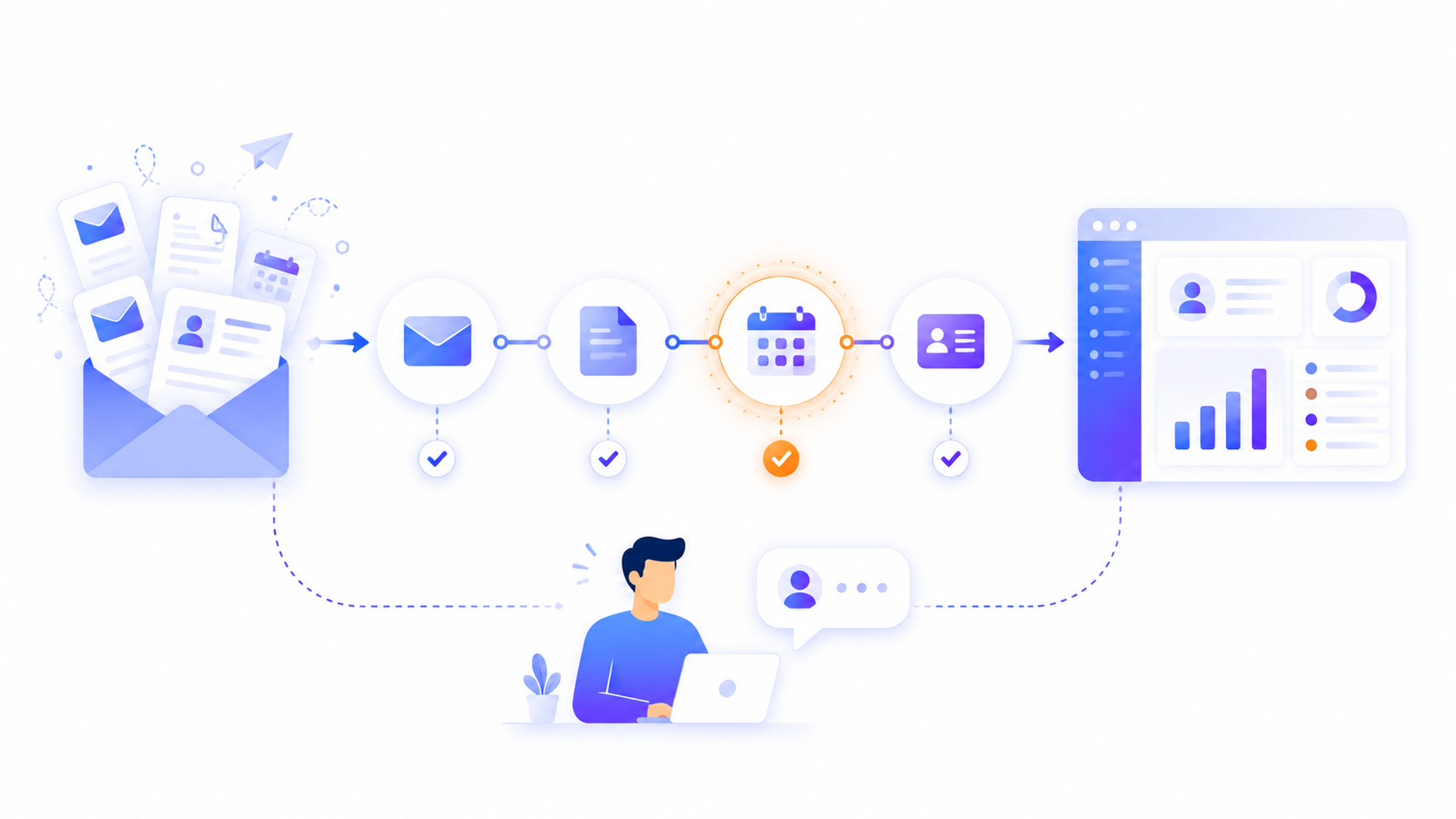
Before talking about costs, it helps to clarify what "digitizing sales" actually involves. It is not just installing a CRM tool. It means reviewing how information flows from the moment a lead comes in all the way through to becoming a client and managing the ongoing relationship.
Depending on where a company is starting from, this can mean very different things:
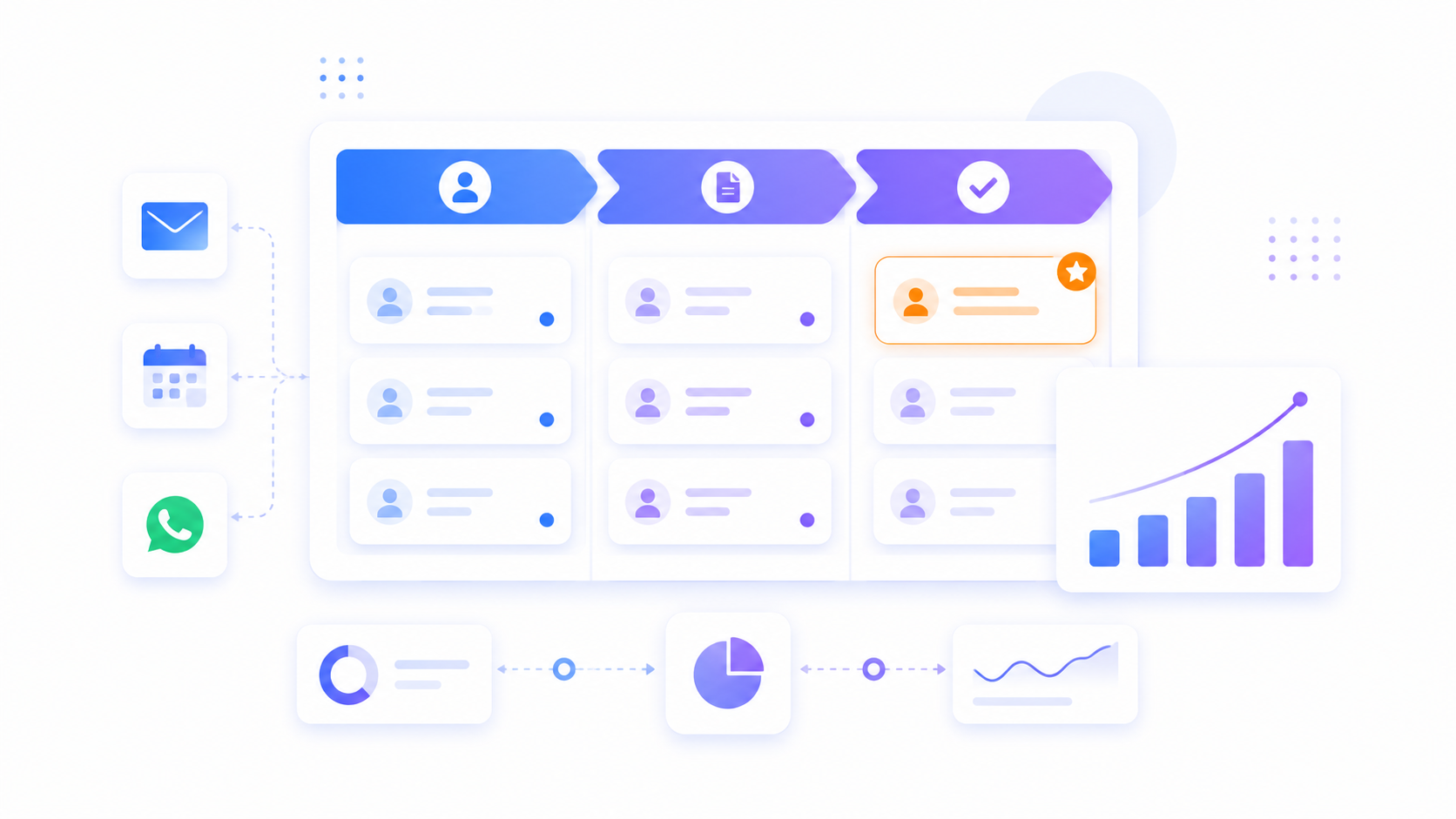
Centralizing contacts and opportunities in a single system.
Automating the tracking of quotes and proposals.
Integrating the CRM with email, calendar, or billing tools.
Creating automated workflows for alerts, reminders, and internal notifications.
Generating sales performance reports without doing it manually.
Digitizing the sales process is not a product. It is a project with a scope that needs to be clearly defined before any budget can be set.
The final price depends mainly on four variables:
The starting point: a company with no existing digital system needs more work than one already using some partial tool.
The project scope: digitizing only lead capture is very different from automating the entire sales cycle, including proposals, contracts, and post-sale follow-up.
The chosen solution: using a standard tool such as HubSpot or Zoho has a very different cost profile compared to building a custom system.
The required integrations: connecting a CRM to an ERP, billing tool, or support system can triple the implementation time.
Tools such as HubSpot CRM (free or paid tier), Zoho CRM, or Pipedrive make it possible to digitize the sales process without custom development. The cost here is not the software itself but the configuration, data migration, and team training.
Typical range: between 500€ and 3,000€ depending on configuration complexity and the number of users.
If you already have a CRM but processes are still largely manual, the next layer is automation: email sequences, internal alerts, automatic status updates, WhatsApp Business integration, and similar workflows.
Typical range: between 1,500€ and 5,000€ for a well-defined automation project using tools such as n8n or Make.
When no standard tool fits the company's specific sales process, whether due to highly particular workflows, complex internal system integrations, or the need for proprietary business logic, custom development is the only viable path.
Typical range: from 8,000€ for a sales module integrated into an existing platform, and from 25,000€ for a complete commercial platform with automation, reporting, and integrations.
Calculating only the tool cost and forgetting implementation: a paid CRM may cost 50€ per month, but implementing it correctly can require weeks of work.
Not accounting for internal team time: data migration, training, and adaptation all carry a real opportunity cost.
Underestimating integrations: connecting two systems that were not designed to work together is always more complex than it looks.
Starting without defining the process: if the sales process is not clearly mapped before digitization begins, you will end up digitizing the chaos.
Not always. Most SMEs can meet their needs with well-configured standard tools. Custom development makes sense when:
The sales process has specific logic that no standard tool covers well.
You need deep integration with internal systems such as an ERP or proprietary platform.
The volume of operations justifies a proprietary tool over recurring licence costs.
You have already tried standard solutions and they did not adapt to your workflows.
Before speaking to any development or implementation company, it is worth being clear about what your current process looks like, where the bottlenecks are, and what specific outcome you expect from the project. With that defined, any proposal you receive will be comparable and evaluable.
If you are not sure where to start or want an honest assessment of what your business actually needs, we can help.
Tell us how you manage your sales today and we will tell you what makes sense for your situation.
It depends on the scope and the chosen solution. Implementing a standard CRM can cost between 500€ and 3,000€. An automation project typically ranges from 1,500€ to 5,000€. Custom development can start from 8,000€ and exceed 25,000€ for complex integrations.
Most SMEs can start with a well-configured standard CRM. Custom development makes sense when the sales process is highly specific, you need deep integration with internal systems, or you have already tried standard tools and they did not fit.
A standard CRM implementation can be completed in 2 to 6 weeks. An automation project may take between 4 and 10 weeks. Custom development can range from 2 months to several months depending on the scope.
The most common ones are HubSpot CRM, Zoho CRM, and Pipedrive for opportunity management. For automations, n8n and Make allow you to connect systems and create automated workflows without custom development.
It always involves some change in team operations. The key is to design the new process before implementing the technology. A well-planned project adapts the tool to the process, not the other way around.
Our clients' satisfaction is our best introduction.
"Tengo un negocio de Paquetería, en el que vienen muchas personas diariamente, tanto para recoger como para dejar paquetes. Llevábamos años gestionando muchos de nuestros procesos de paquetería de forma manual, y gracias a Blimbur Technologies hemos dado un salto enorme. Nos desarrollaron una app móvil y una web totalmente adaptadas a nuestro flujo de trabajo, con las que ahora tenemos todo automatizado, trazable y mucho más rápido. Ahora, el cliente sabe si tenemos el paquete y al estar todo mucho más organizado, es mucho más rápido y ágil, lo que hace que los clientes vengan y se vayan con otra cara y sin esperas. El trato ha sido impecable y el resultado, todavía mejor. Un equipo serio, técnico y que se implica de verdad."