Contents
Someone receives the order, writes it down in an Excel spreadsheet, updates the stock in another tab, and sends a confirmation email to the customer. At the end of the day, someone else checks the file to see what is still pending. If there is any question about a specific order, they ask whoever logged it.
It is a process many teams know well. It is not chaotic, but it is fragile: it depends on everyone following the same steps, nobody accidentally overwriting data, and the file always being up to date. As order volume grows, maintaining that level of control becomes increasingly difficult.
This article explains what options exist for automating that process, when it makes sense to do so, and what it costs depending on where you are starting from.
There is not always one serious failure that makes it obvious. More often it is smaller things that build up over time:
Time is spent every day updating and reviewing the spreadsheet before actual work can start
Duplicate orders or incorrect data appear and need to be corrected by hand
When a customer asks about their order, the answer requires checking the file and sometimes asking a colleague
Stock does not always reflect reality because updates are manual and not always immediate
Producing a weekly order summary takes longer than it should
None of these problems is insurmountable on its own, but together they indicate that the manual process is consuming resources that could be used elsewhere.
Automation does not necessarily mean implementing a complex system. In many cases, it simply means connecting the parts of the process so that information flows on its own and does not need to be moved manually.
In practice, an automated process makes it possible to:
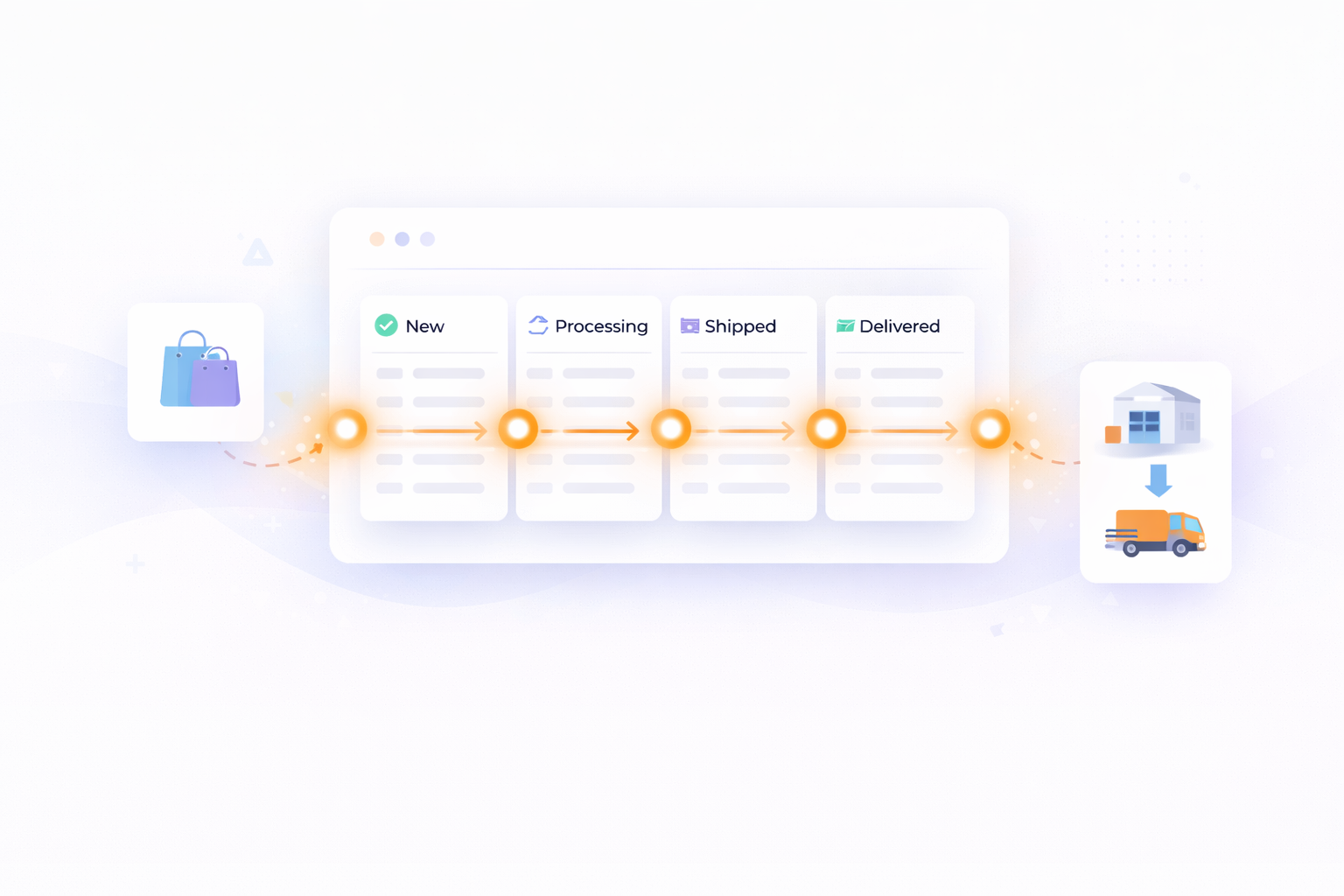
See the status of all orders in real time, without depending on someone having updated the file.
Register orders automatically when they arrive via web, email, or other channels, with no manual data entry.
Update stock immediately each time an order is processed.
Send customer notifications automatically: confirmation, dispatch, and delivery.
Generate reports without additional effort, because the system already has all the data recorded.
The usual result is that the team spends less time on administrative tasks and has better visibility of what is happening at any given moment.
The right solution depends on order volume, the systems already in use, and the complexity of the process. There are several options:
Targeted automations with tools like n8n or Make: these connect applications already in use (email, spreadsheets, CRM) so that when something happens in one, something executes in another. It is the most accessible option and allows starting with a small scope.
E-commerce platforms with integrated management: if orders arrive mainly through online channels, tools like Shopify or WooCommerce include order management, stock control, and notifications out of the box, with the option to expand through integrations.
Custom software: when the process has specific logic that does not fit any standard solution. This makes it possible to build exactly what the operation needs, integrated with existing systems.
There is no single best option in the abstract. The key is choosing the one that solves the real problem with the least implementation effort.
Ranges vary considerably depending on scope:
Simple automations (connecting two tools, automating a specific task): from 500–1,000€.
Medium automations (chatbot, workflow with several integrations, digitising a process): between 2,000 and 5,000€.
More complete projects (full process digitisation, multiple integrated systems): from 8,000€.
To assess whether the investment makes sense, a useful figure is how much time the team currently spends on manual management. If it adds up to several hours a week across multiple people, the return is usually fairly quick.
The most common approach is trying to fix everything at once, and that tends to make things more complicated. A more practical way is to start with the part of the process that consumes the most time or generates the most errors, automate it, see how it works, and decide the next step from there.
To do that, the first thing is to have a clear picture of what steps the current process involves, who does them, and how long they take. With that information it is much easier to identify where there is the most room for improvement and which solution fits best.
Automating order management does not require a large project or a high budget. There are options for different starting points, and in many cases the improvement is noticeable from day one.
If you want to know which options fit your specific process, we can help you evaluate it.
Tell us how your current operation works and we will give you a no-obligation assessment.
It is the process of connecting the tools your company already uses so that orders are registered, updated, and communicated automatically, without anyone having to move data manually between systems.
When the team is regularly spending time correcting errors, updating files, or answering questions about order status that should resolve themselves. If that is happening daily, the manual process is already costing more than it would cost to fix.
It depends on the scope. A simple automation to connect two tools can start from 500–1,000€. A more complete process with several integrations falls between 2,000 and 5,000€. For projects involving full operational digitisation, costs start from 8,000€.
Not necessarily. In many cases it is possible to automate by connecting the tools you already have, without replacing anything. The starting point is analysing which steps in the process are manual and which can be connected using what already exists.
A targeted automation can be ready in two to three weeks. A more complete project involving custom development or multiple integrations can take between one and three months, depending on complexity and the team's availability to validate each phase.
Our clients' satisfaction is our best introduction.
"Tengo un negocio de Paquetería, en el que vienen muchas personas diariamente, tanto para recoger como para dejar paquetes. Llevábamos años gestionando muchos de nuestros procesos de paquetería de forma manual, y gracias a Blimbur Technologies hemos dado un salto enorme. Nos desarrollaron una app móvil y una web totalmente adaptadas a nuestro flujo de trabajo, con las que ahora tenemos todo automatizado, trazable y mucho más rápido. Ahora, el cliente sabe si tenemos el paquete y al estar todo mucho más organizado, es mucho más rápido y ágil, lo que hace que los clientes vengan y se vayan con otra cara y sin esperas. El trato ha sido impecable y el resultado, todavía mejor. Un equipo serio, técnico y que se implica de verdad."